
Scattered knowledge
Documents, guidelines and procedures are not always quick or easy to find.
Find information through a natural conversation with Naru or create a helpdesk ticket when personal follow-up is needed.
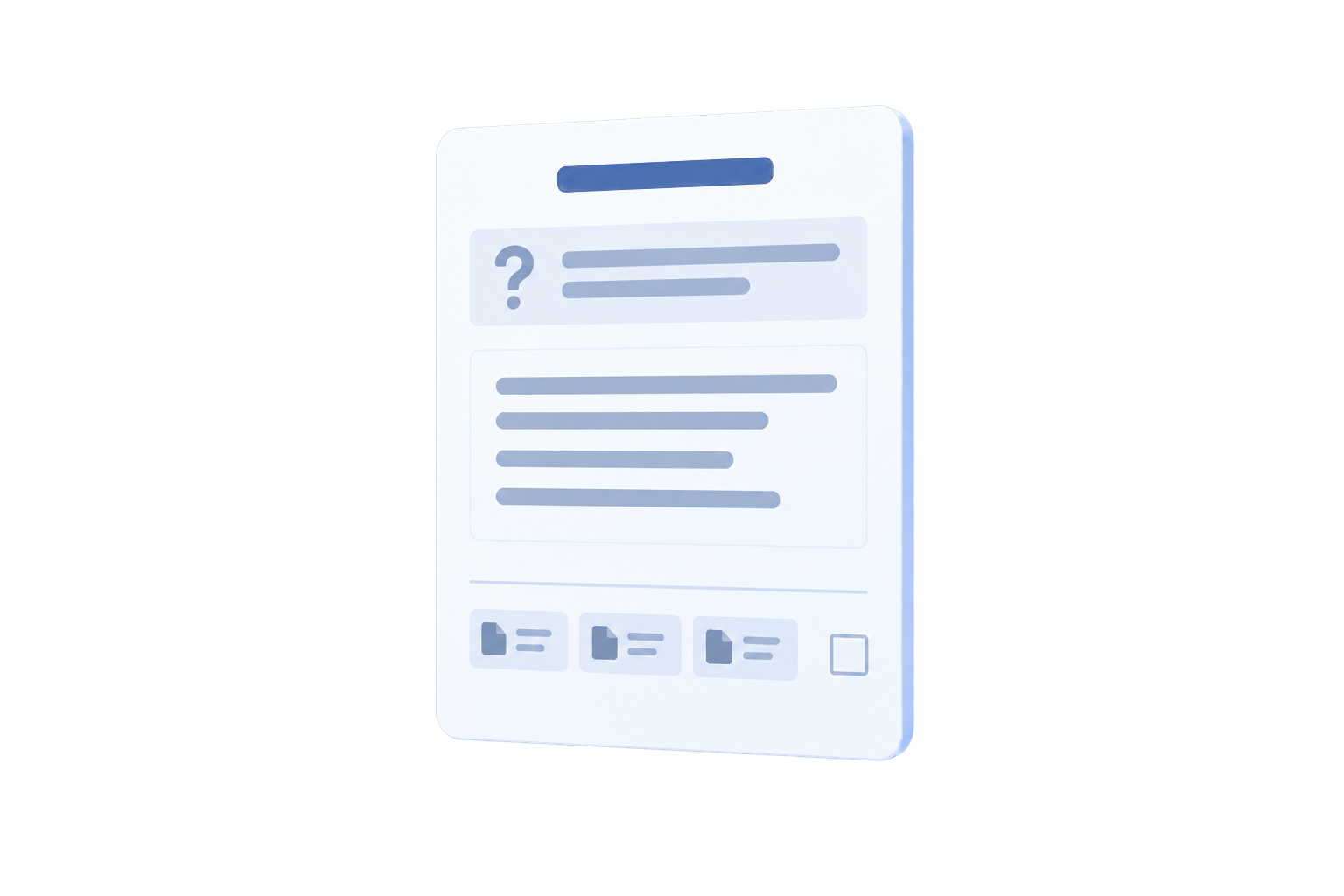
Documents, guidelines and procedures are not always quick or easy to find.

Questions arrive through different channels and can lack structure or ownership.

Without a status, category and priority, users and support teams do not know what comes first.
Naru makes available knowledge accessible through conversation. If an answer is not enough or action is required, Helpdesk creates a structured request with clear follow-up.
Users search documents, guidelines and procedures without navigating every source themselves.
Support teams manage requests centrally and keep category, priority and progress visible.
Conversations, knowledge and personal follow-up come together in one recognisable experience.
Naru provides an accessible conversational interface for information and process questions. Helpdesk supports questions, complaints and problems that require registration, prioritisation or personal follow-up.
Ask questions in plain language through a familiar conversational interface.
Search documents, guidelines, procedures and other available knowledge.
Help users with process questions and specific activities.
Align the conversation and available knowledge with your implementation and user context.
Create, manage and close tickets once a request has been resolved.
Classify issues so the support team can work with focus.
Track support requests from registration through closure.
Use available solutions and guidance when answering tickets.
Give employees quick access to system documentation, internal guidance and support.
Register incidents or process questions, set priorities and track resolution.
Support procedure questions and record solutions for later reuse.
Functions, knowledge sources and configuration are aligned with your processes and security requirements. When sensitive information must remain inside your environment, Naru can use a local or on-premises LLM.
The user starts with a normal question. Naru finds available information; when more support is needed, Helpdesk provides registration and follow-up.